
Live Meetings
Take the complexity out of meeting logistics.
Allow your residents to sign up to speak online, at a kiosk, or on Zoom. Speakers will get added into a queue, so staff can manage speaking order and track time, all while keeping the meeting running.

HOW IT WORKS
Get every moving part of meeting day running smoothly, like an orchestra
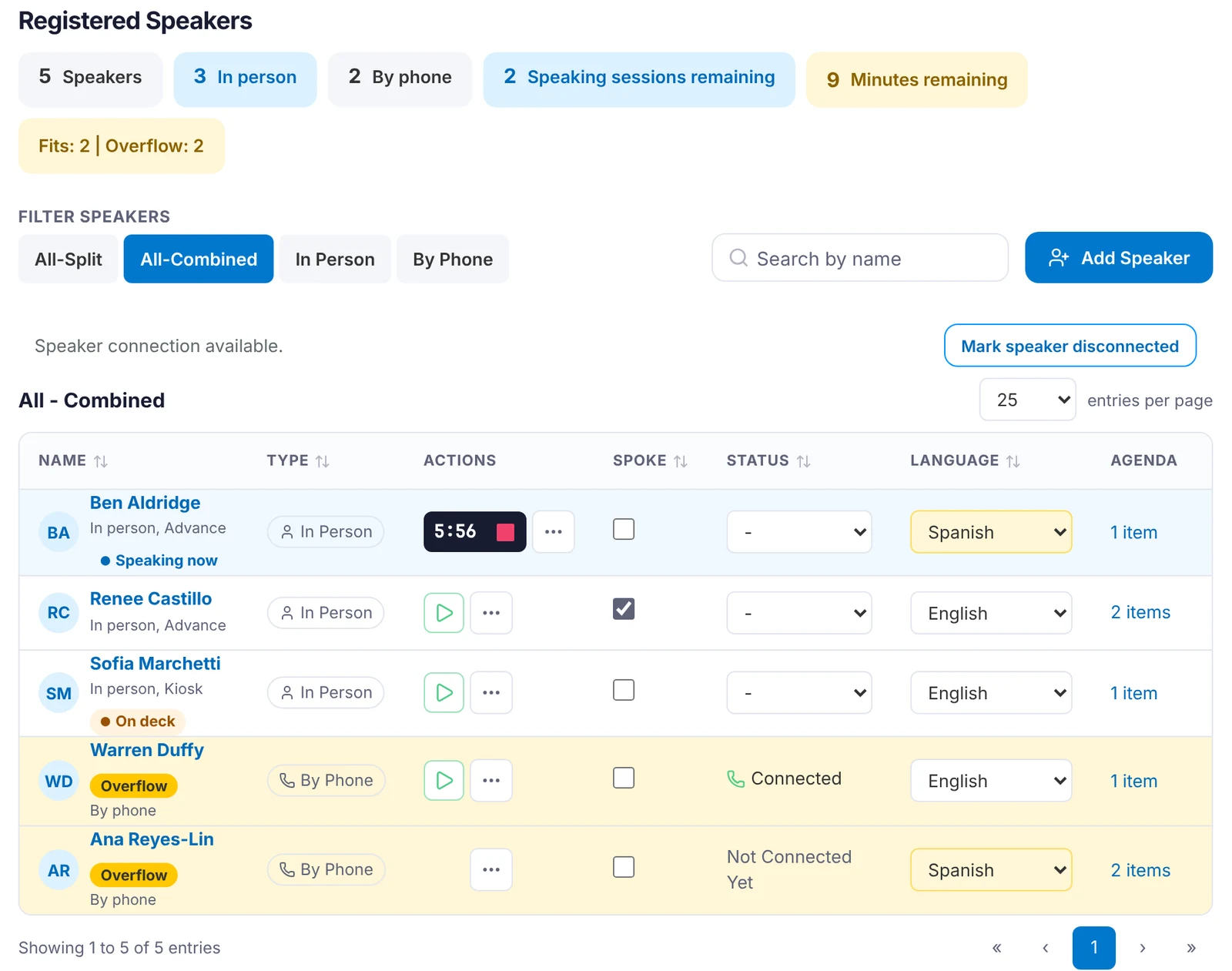
Public comment is an important part of every public meeting, but keeping speakers on schedule while giving everyone a fair opportunity to be heard can be challenging. Set time limits for individual speakers and overall public comment periods for each agenda item before the meeting begins. When a speaker uses an interpreter, their speaking time automatically doubles to allow for interpretation, so staff don’t have to calculate extra time on the fly. Keep public comment fair and accessible while helping meetings stay on track.
Before and after
A Simpler Way to Manage Public Comment
Residents can speak from the same room and microphone, with far less work required behind the scenes.
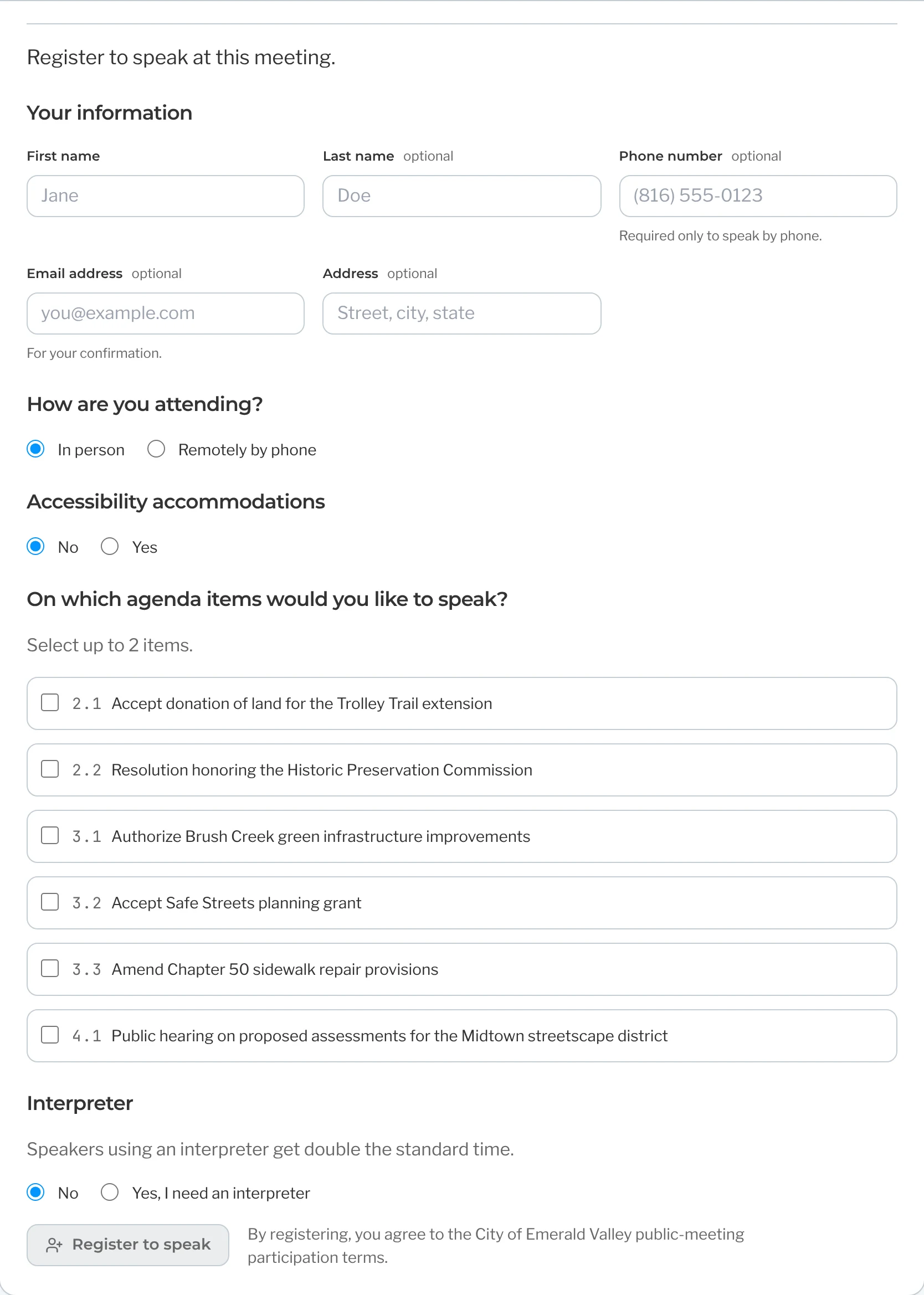
Sign-up
Collect speaker cards and read the names off them while you start the timer.
Residents who sign up online are added to the speaker list, with their names entered automatically. Walk-ups can register at the kiosk and join from the same queue.
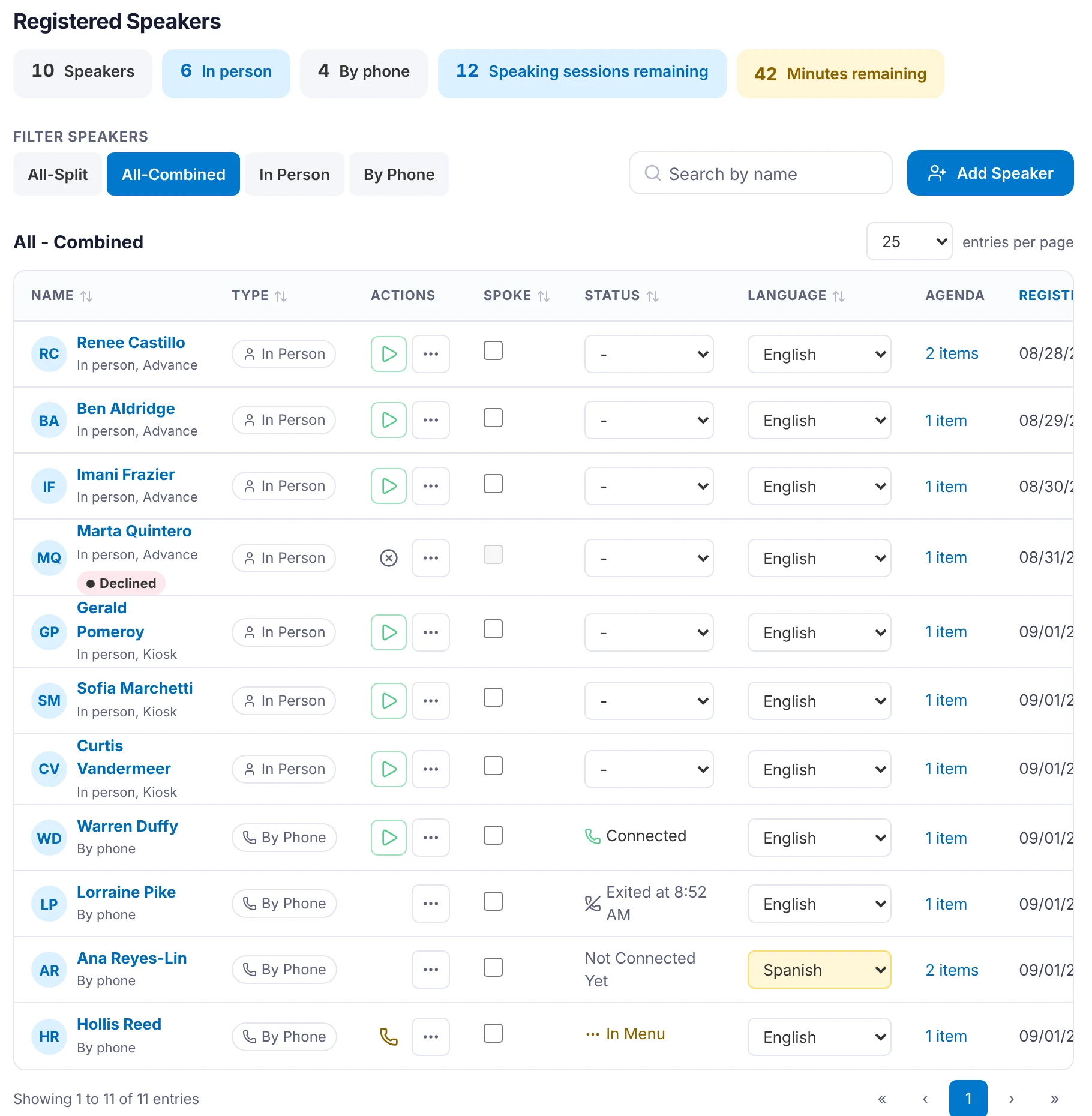
Remote speakers
Type the agenda items into Zoom and merge the room and the Zoom lists by hand.
Remote speakers can join virtually without staff having to track a separate list or manually coordinate when it’s their turn to speak.
At the mic
Watch the spinning wheel while the whole room waits on you.
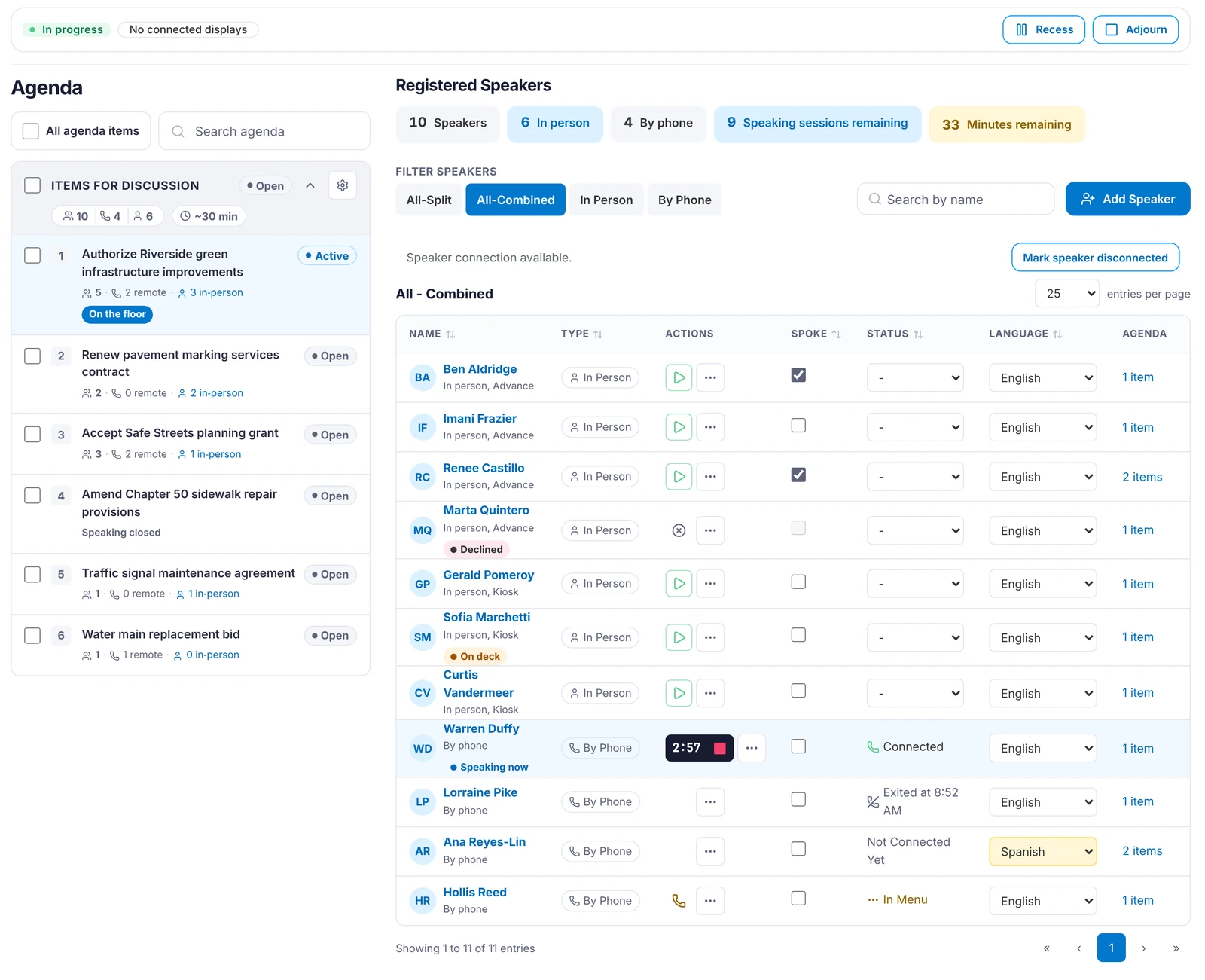
Know who to call on next to speak and manage speaking times with a timer all from the same screen.
Next morning
The next morning, fix the names and addresses you couldn’t read.
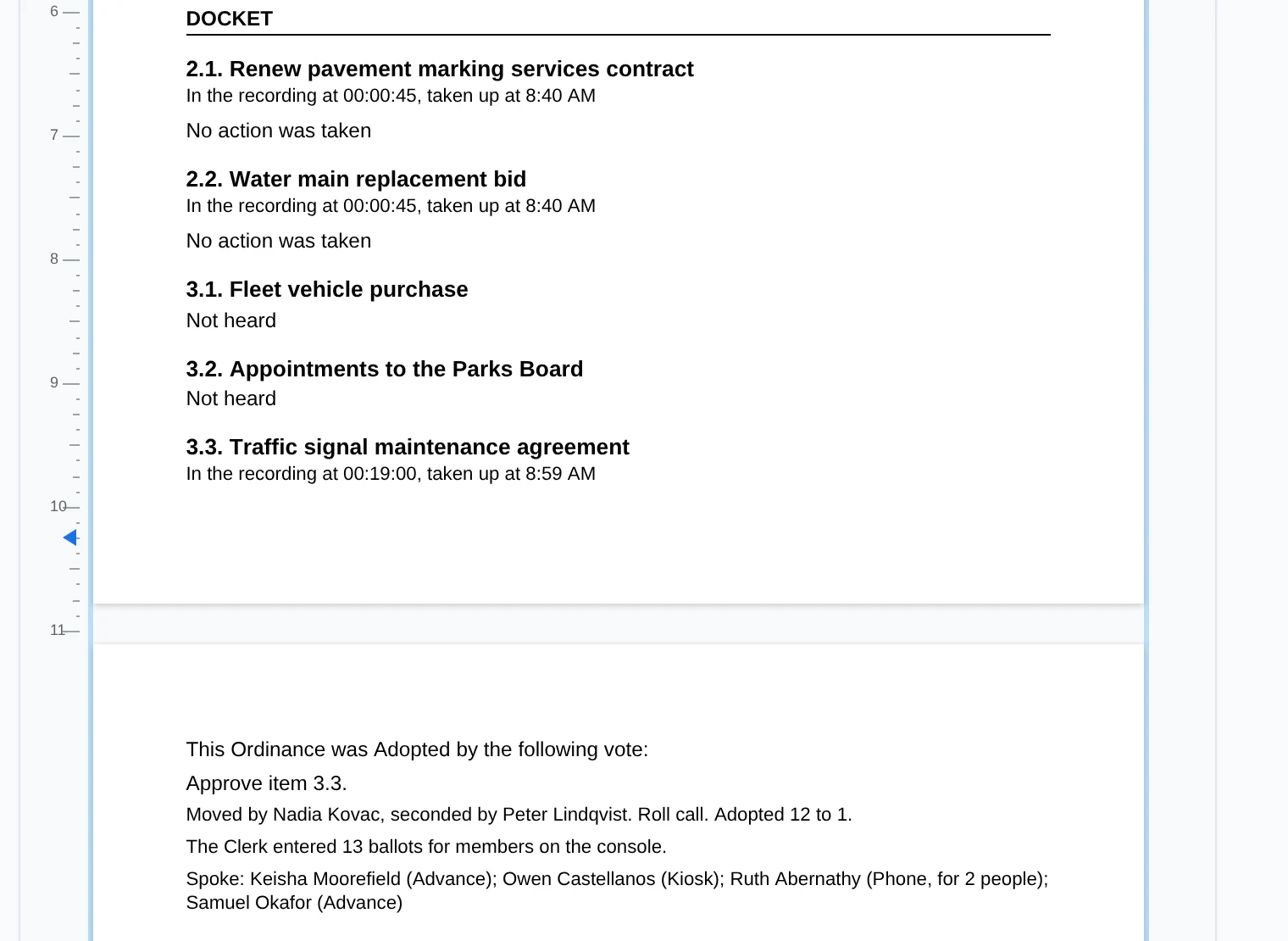
The speaker log is included in the draft minutes when the meeting ends.
What’s Included In
Live Meetings
Allow residents to sign up to speak on agenda items.
- Share the published agenda as the sign-up page so residents can register before the meeting.
- Select an agenda item, indicate your position, choose in-person or remote participation, and request an interpreter.
- Register walk-up speakers at a kiosk.
Automatically text speakers with updates as their agenda item approaches.
- Notify speakers when their agenda item is approaching.
- Send quick updates if the meeting is running behind.
- Text speakers again when their turn is near, so they know when to return.
Available in Premier
Manage every speaker, in the room or remote.
- Call remote speakers directly from the meeting console at the dais.
- Let residents join remotely by video or phone, including those without Zoom access.
- Use the published agenda to organize speakers by agenda item without having to re-enter items in Zoom.
Collect and manage public comments by agenda item.
- Let residents select an agenda item, indicate their position, and submit a written comment.
- Review and approve submissions from one list.
- Protect any personal information like removing home addresses from public view.
Generate draft minutes with speaker details included.
- Draft minutes from meeting audio, including motions, seconds, and votes organized by agenda item.
- Include speaker names and participation method under each agenda item.
- Review and edit the draft before the board adopts the minutes at its next meeting.
Spend less time coordinating board meetings.
- Replace paper sign-in sheets and speaker cards with a consistent digital process.
- Maintain separate speaker rules for council, planning commission, TAC and other boards or committees.
- Preserve meeting rules and speaker records as staff roles change.
The PublicInput Meetings suite
Explore the rest of PublicInput Meetings
Each product works on its own or together, so you can start with what you need and add more when you’re ready.
Questions clerks ask us
We’re keeping our agenda system. Can we still use this?
Yes. Live Meetings runs on its own. Upload your agenda, and speakers sign up on the items. When you’re ready, Agendas runs on the same login. See Agendas
Does it work with Zoom?
Yes. Keep Zoom, WebEx or a phone line. Remote speakers show up on the same list as the room, and you bring them in from your seat.
We only meet in person. Is this for us?
Yes. Walk-ups sign in at the kiosk with their names typed, and the timer runs by your rules. The speaker list is in the minutes when the meeting ends. Remote speakers are there the day you need them.
Do residents need an app?
No. Residents sign up from the link on the agenda, at the kiosk by the door, or by phone. If they already follow topics on PublicInput, they get the agenda when it publishes.
Can we set cutoffs for speaker sign-up?
Yes. Comment and sign-up windows open and close by your rules for each item, so the cutoff in your policy is the one the system enforces.
See it on your meetings
Curious how PublicInput would work for your meetings?
See how PublicInput manages the logistics of each and every meeting.