
Accessible and Multilingual
Make public information more accessible to those you reach.
Run accessibility checks before sending and include translation links so people can read and engage with your communications in their preferred language.
Overview
Deliver More Inclusive Public Communications Anytime
Provide your community more ways to access, understand, and engage with public communications through accessible content and multilingual outreach.
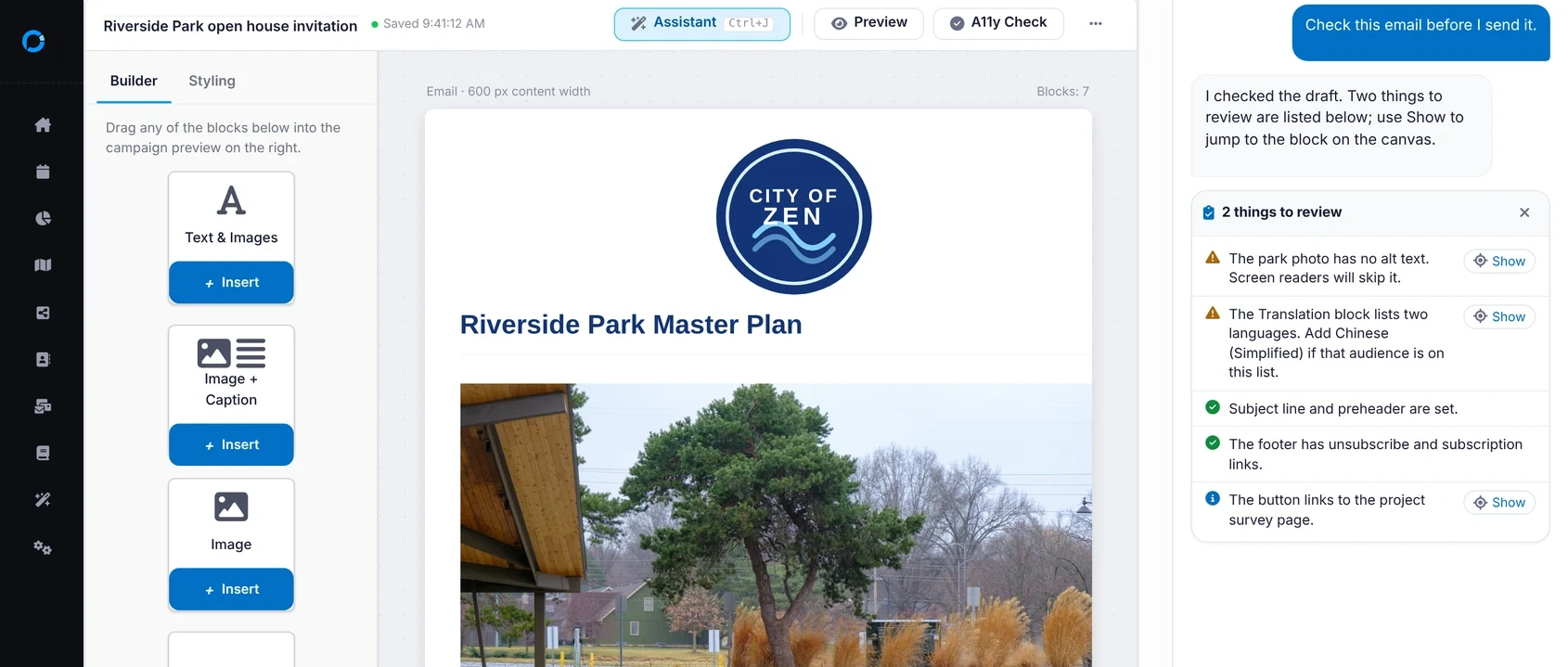
- Check accessibility before sending to identify issues with alt text, contrast, text size, links, and email structure
- Make content easier to understand with plain-language suggestions and readability checks
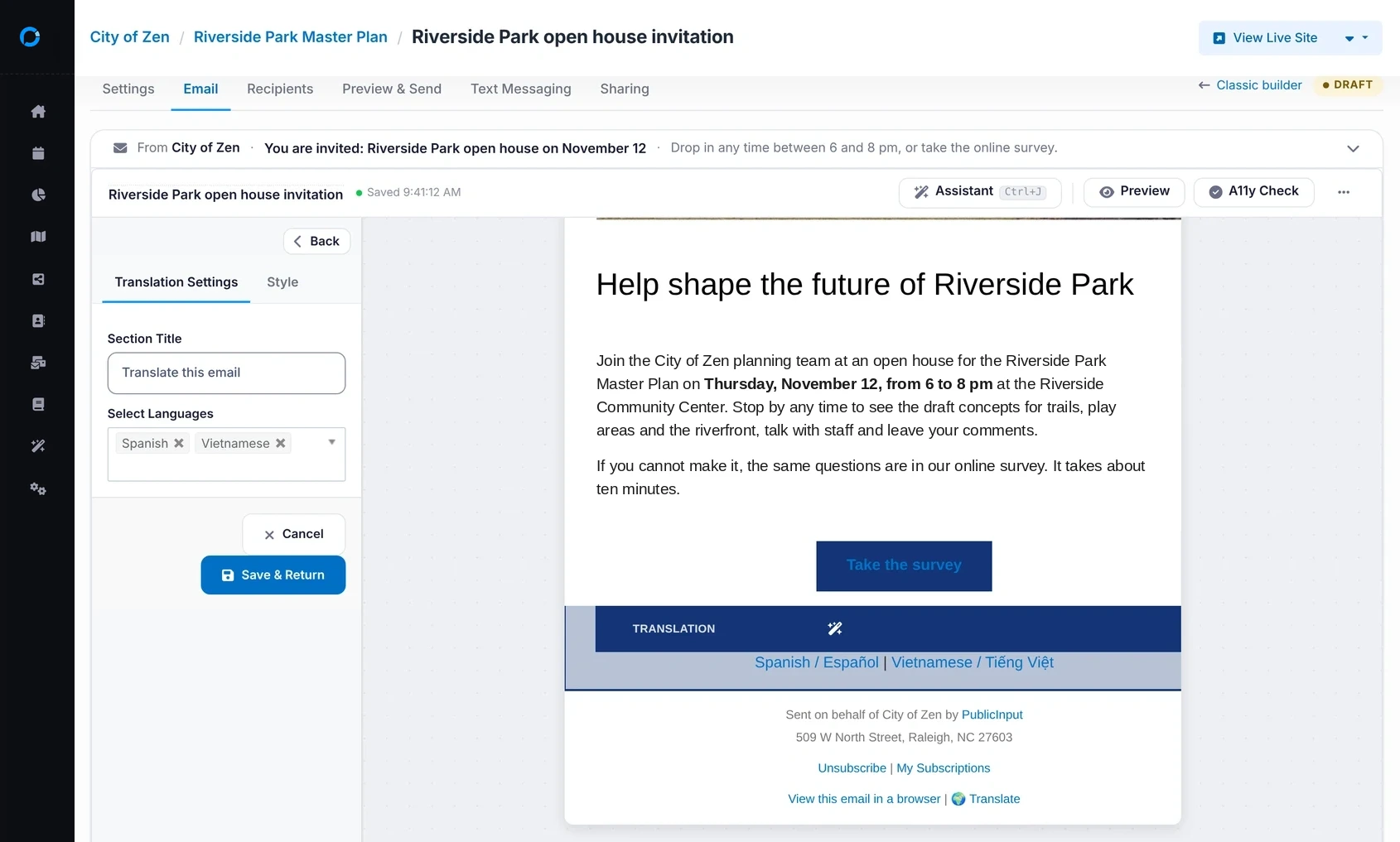
- Translate campaigns into 130+ languages directly in the builder
- Include translation links so recipients can choose a language
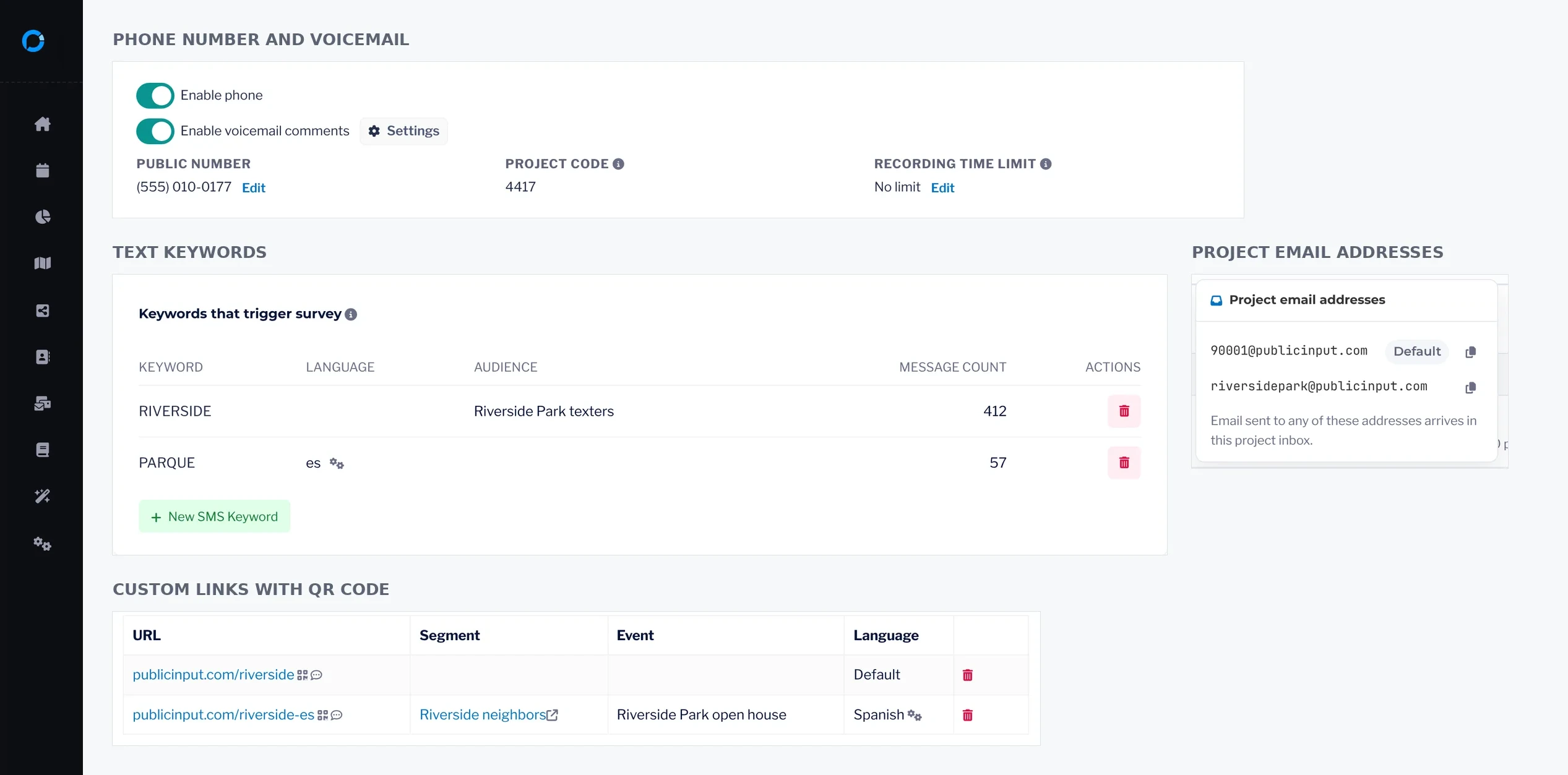
- Offer language-specific text keywords for subscribing through printed materials
What’s Included In
Accessible and Multilingual
Accessibility Checks
Help teams identify accessibility issues before an email goes out.
- Check emails for potential accessibility barriers.
- Identify missing alt text and links.
- Review content before sending.
Multilingual Communications
Make it easier for people to access information in the language they understand.
- Translate campaigns into 130+ languages directly in the builder.
- Include translation links so recipients can choose a language.
- Create language-specific text keywords for print materials.
Consistent Communications Across Departments
Give every department the tools to create accessible, consistent public communications.
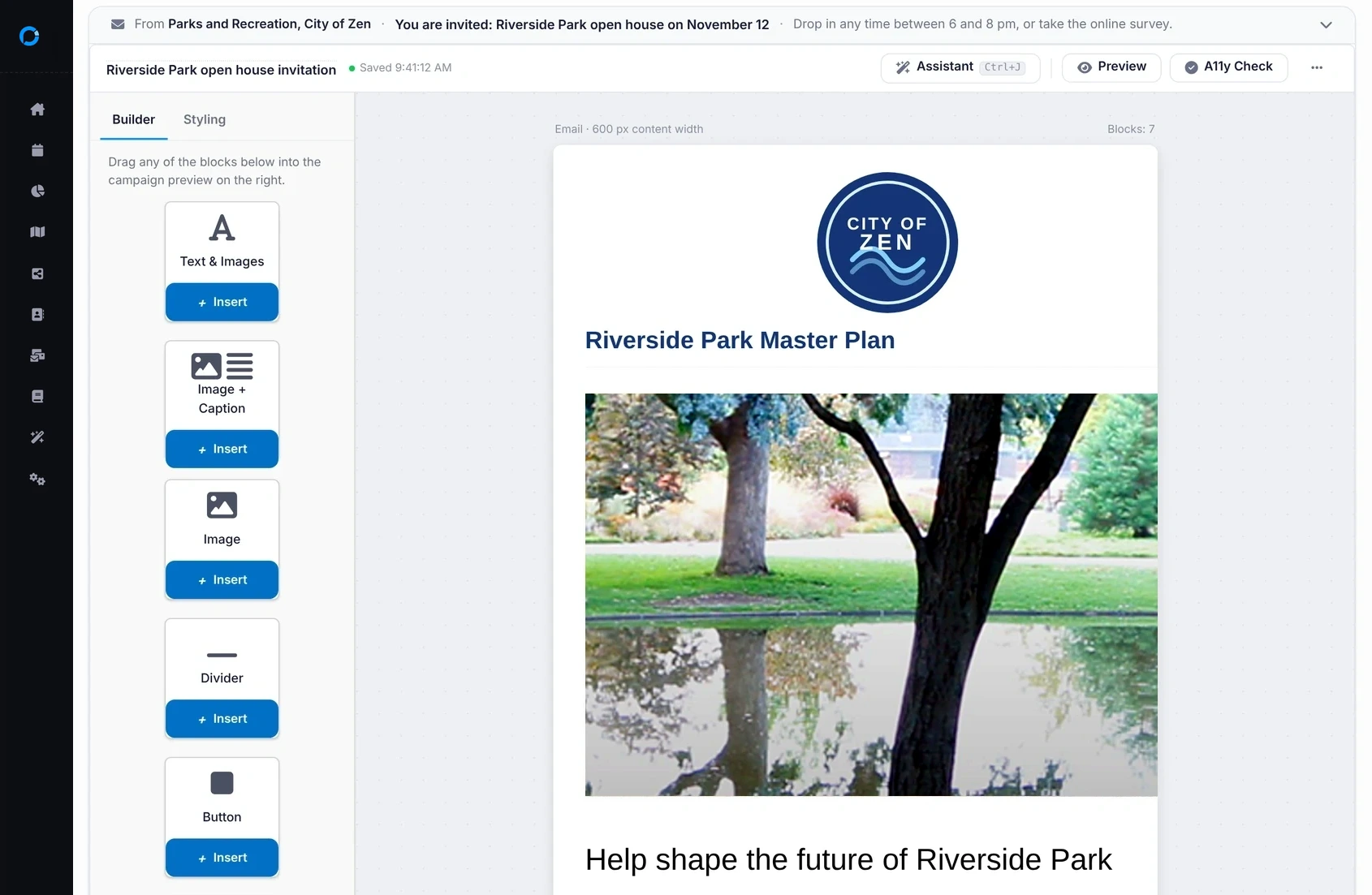
- Use the same email editor across departments.
- Run accessibility checks directly alongside email preview.
- Keep browser and translation links available in email communications.
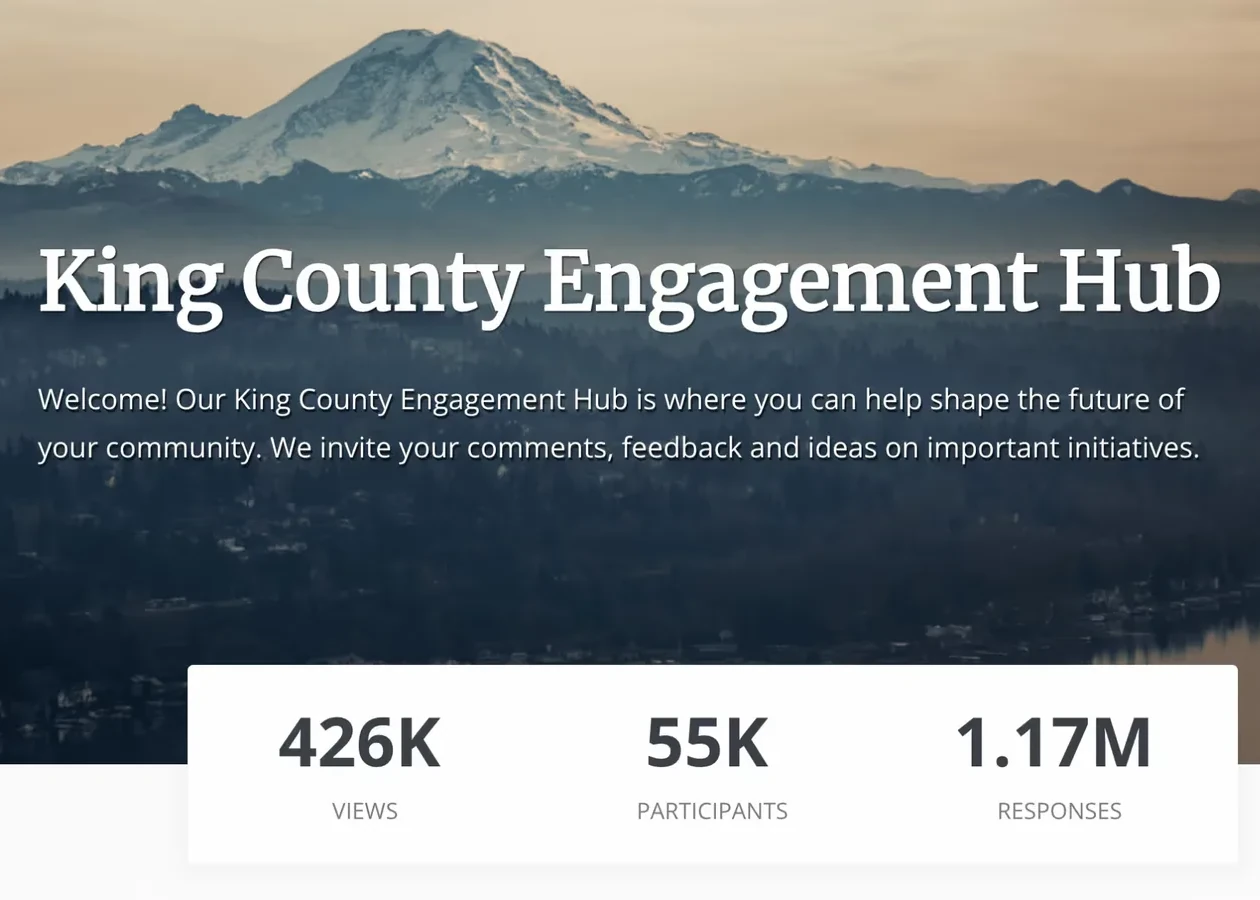
Best practice · King County
Send every message in the languages residents speak
In King County, 30% of residents speak a language other than English. The county sends surveys, emails and project updates from PublicInput in the languages its residents read, and offered live translation in 10 languages at its public health meetings.
Read use casesPublicInput Communications
Explore the rest of PublicInput Communications
Each product works on its own or together, so you can start with what you need and add more when you’re ready.
Questions about Accessible and Multilingual
Can we check emails we already create for accessibility issues?
Simply forward an email to the free checker or paste its “view in browser” link. You can review emails created in PublicInput or from another email platform without involving IT.
What does the accessibility check look for?
The checker identifies issues such as missing alt text, missing language information, and incomplete email elements like subject lines, preheaders, and footer links. Each issue includes a “Show” button that moves directly to the relevant section.
How can we make communications available in different languages?
Translate campaigns into 130+ languages directly in the email builder. You can also include translation links in published emails and pages, allowing recipients to select the language they want to read in.
Review Accessible and Multilingual
Make your next email readable for everyone
Bring last week’s newsletter and we’ll run the check on it in the demo.