
The Real Cost of Each Meeting You Run
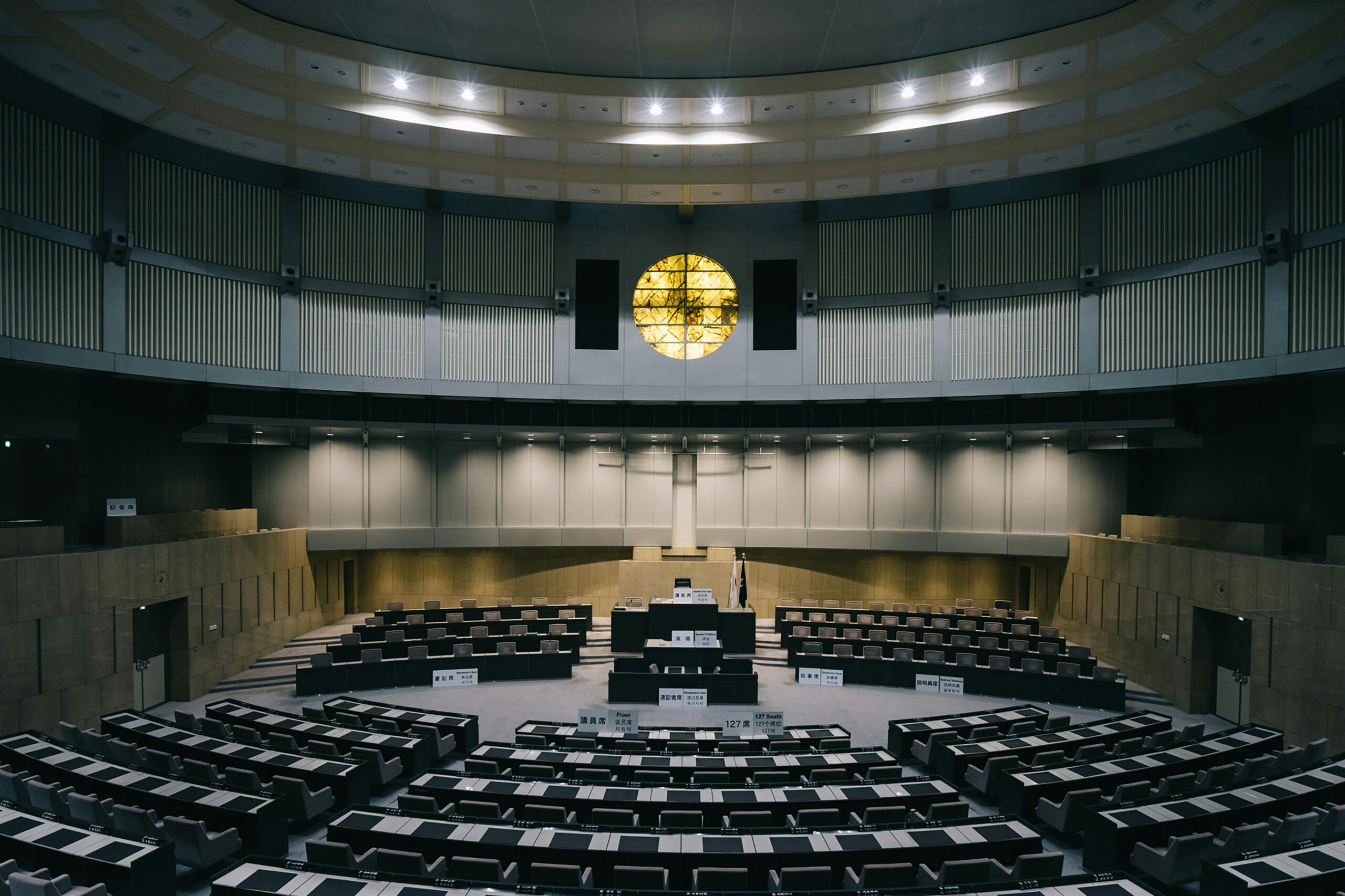
Clerks know meetings are time-consuming. Most haven’t seen the full number — or what it’s actually costing them beyond the clock.
Most conversations about meeting efficiency focus on what happens in the room. The agenda, the speakers, the vote. But for city and county clerks, the meeting itself is often the most straightforward part.
The real cost shows up in the hours before and after the gavel, and most agencies have never actually added them up.
The Hours No One Counts
According to PublicInput’s meeting-time benchmarks, clerks spend 10–24 hours on every single meeting. That number breaks down across three phases:
Before the meeting: 4–8 hours Agenda preparation, formatting, and distribution. Coordinating with department heads on agenda items. Publishing materials to the public portal. Setting up speaker registration. For in-person meetings, there’s no hybrid infrastructure to lean on, so every piece of setup is manual.
During the meeting: 2–4 hours Managing sign-in, the speaker queue, and the official record in real time. Taking notes on motions, votes, and public comment. This phase is often the most visible, but it’s rarely where the biggest time is lost.
After the meeting: 4–12 hours After the meeting: 4–12 hours This is where the clock really runs. Reviewing audio recordings. Cross-referencing notes. Drafting minutes from scratch. Formatting to match the agency’s template. Circulating for review. Publishing the official record. For clerks without hybrid recording infrastructure, there’s no clean transcript to start from, just raw audio and handwritten notes.
And for those using a transcription tool like Otter.ai, the work isn’t over either. A raw transcript is a starting point, not a finished product. Someone still has to identify who said what, strip out the filler, organize content by agenda item, apply the agency’s formatting, and rewrite the whole thing into the formal language minutes require. The transcript saves some time. The drafting and formatting work remains.
That post-meeting window is where the hidden cost lives, and it’s where clerk burnout compounds. A clerk managing two or three boards isn’t losing one late evening per meeting. They’re losing entire weeks every month.
What “Efficient” Actually Costs
The time burden is significant on its own. But it doesn’t account for what clerks don’t get to do while they’re finishing minutes.
Strategic work gets deferred. Public records requests take longer to fulfill. Training new staff becomes harder when institutional knowledge is buried in one person’s workflow. And when a skilled clerk leaves, in part because the job has become unsustainable, the cost of replacement and retraining dwarfs whatever was saved by maintaining the status quo.
Staff retention is a real outcome of time recovery. It just rarely shows up on the efficiency spreadsheet.
Where AI Minutes Changes the Math
The before and during phases involve coordination, judgment, and real-time decisions that clerks own. But the post-meeting phase, the 4–12 hours of transcription, drafting, and formatting, is exactly where AI can carry the weight.
PublicInput’s AI Meeting Minutes drafts minutes directly from the meeting record: agenda context, speaker identification mapped to your roster, motions and votes already organized by item. The output lands in a Word document formatted to your template, written in your agency’s style, and trained on your past minutes. It’s not a generic transcript that still needs hours of cleanup. It’s a working draft ready for review.
The distinction matters. Generic AI transcription tools output what was said. AI Meeting Minutes outputs what clerks actually need: a structured, template-ready document that reflects how your agency documents its meetings.
That shifts the post-meeting workload from drafting to reviewing. For most clerks, that’s the difference between finishing at midnight and finishing before lunch.
Curious what it would look like for your agency? Schedule a discovery call and we’ll show you exactly how it works, using one of your previously recorded meetings and your minutes template.