
Online Engagement Hub
One place residents go to find every project.
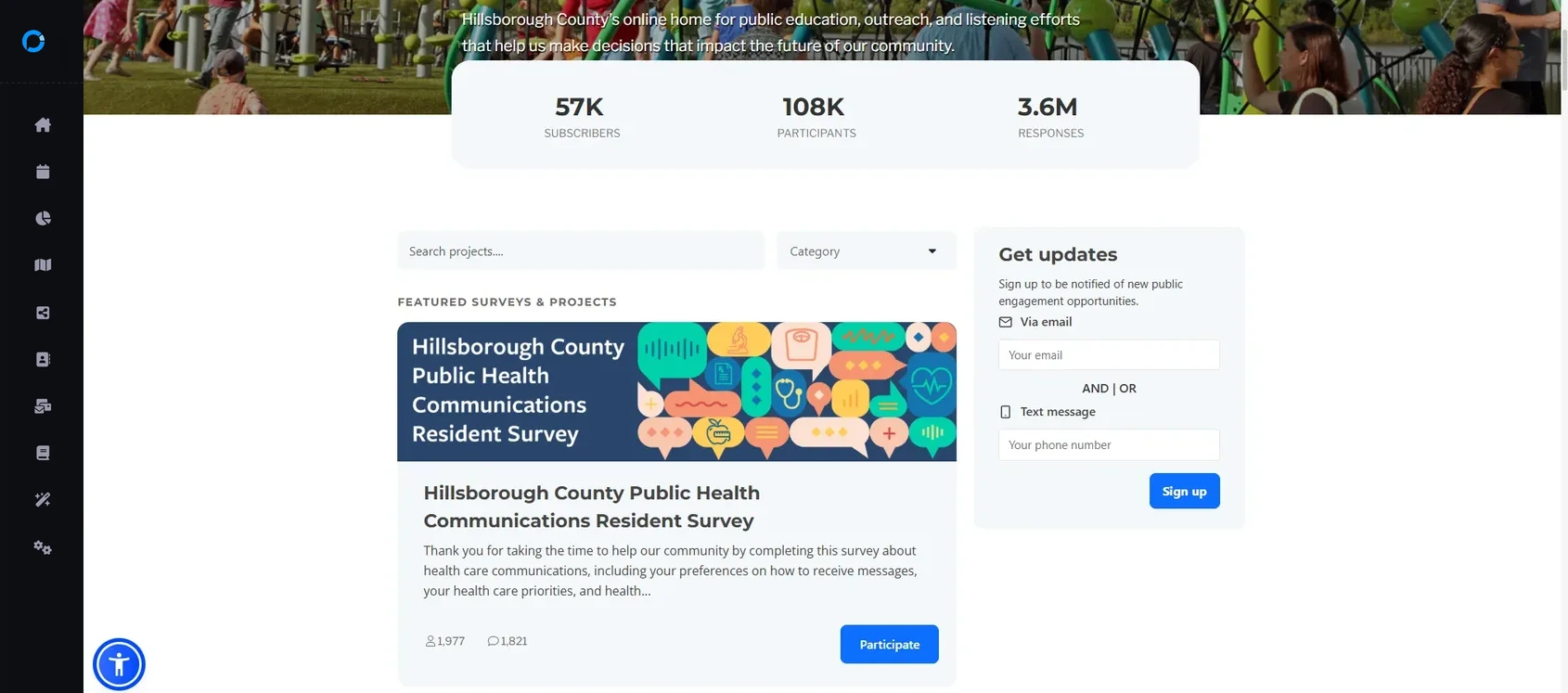
Give residents a single destination to discover projects, learn about local initiatives, and find ways to share their input. Promote it everywhere with a single link.
Overview
Find Every Opportunity In One Place
Make it easy for residents to access local projects and engagement opportunities through a hub that feels like part of your website. Embed the full hub or individual projects, or use a custom domain with your agency’s branding.
- Help residents find projects and initiatives happening in their neighborhood.
- Build an audience before the public hearing is scheduled.
- Give each department the ability to manage and update its own projects.
- Update welcome messages and hub content without relying on IT.
Setting up a project page and getting all of the QR code, the text, and the phone number set up takes me about five minutes.
PublicInput is very easy to use and has so many options for how you can connect with the citizens your entity supports.
What’s Included In
Online Engagement Hub
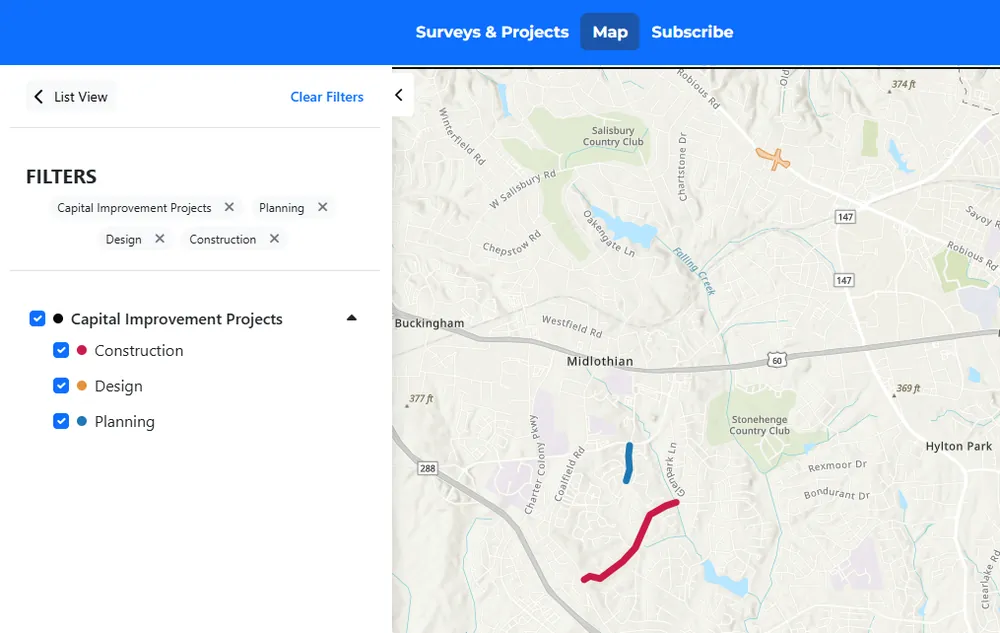
Projects on a map
Residents find the project on their street.
- Show every project on one map, pinned where the work happens
- Tag projects by type and phase
- Residents filter to what’s near them, like rezonings or summer roadwork
Sign-ups
When the hearing is scheduled, you already have a list.
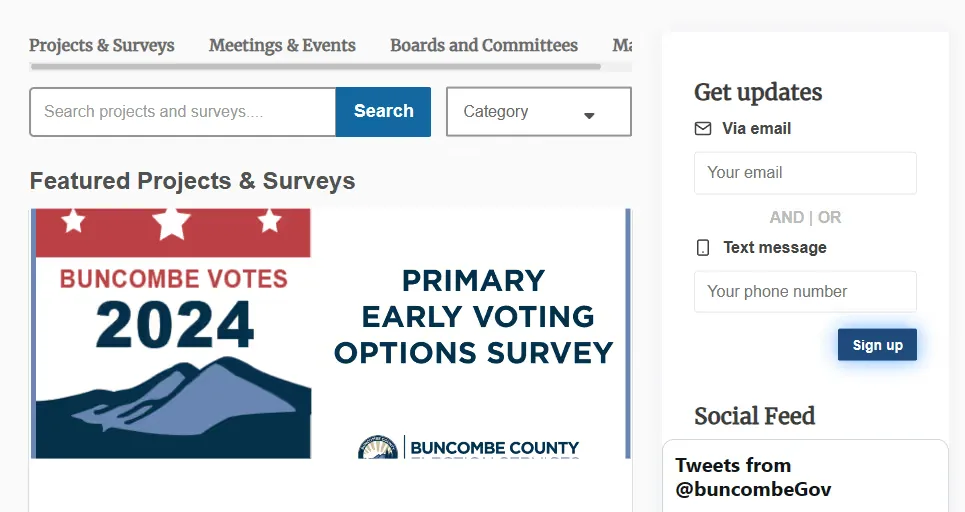
- Add a Get updates box to the hub home page and every project
- Residents leave an email or cell number and pick their topics
- Sign-ups join the same list your newsletters and text alerts use
Behind the hub
Each department keeps its own projects current.
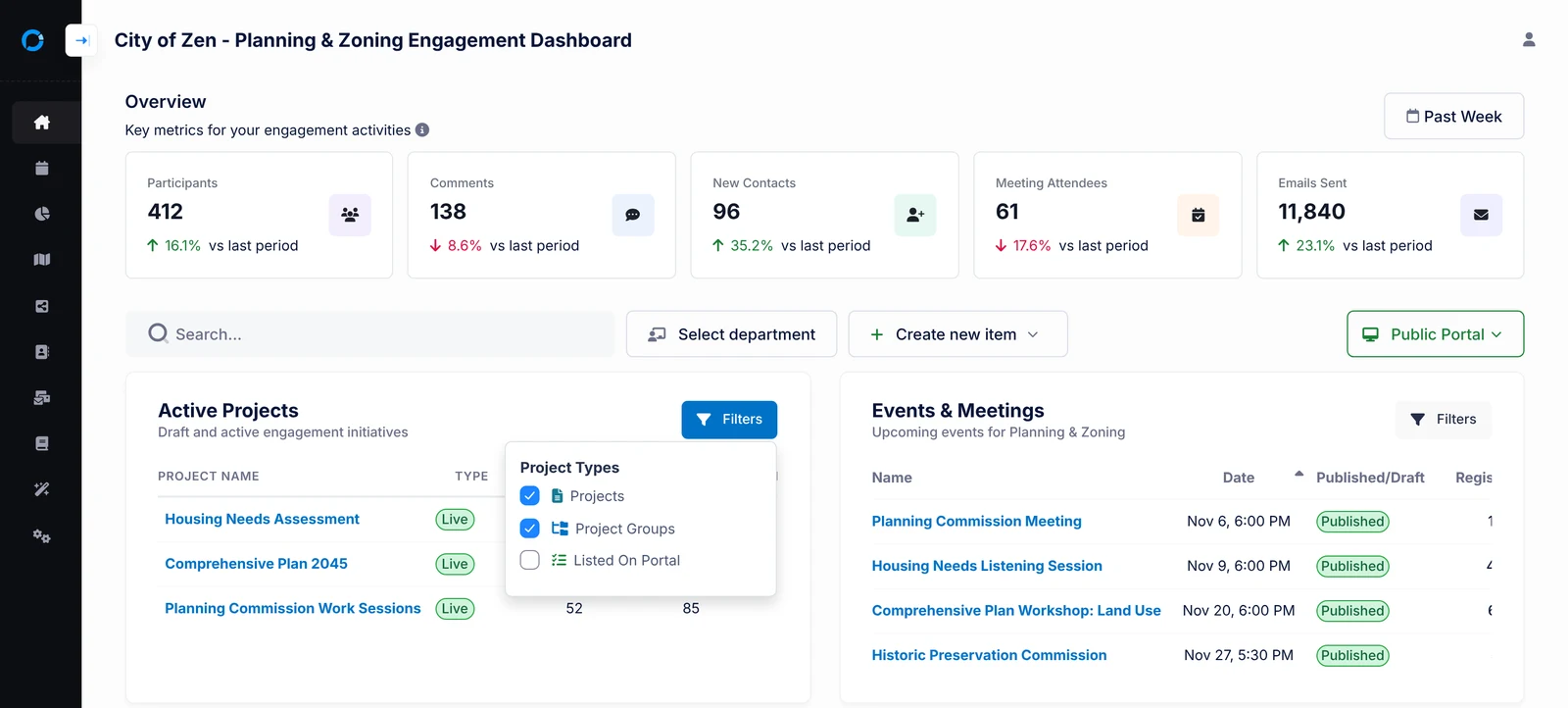
- Each department posts and updates its own projects from the Engagement Dashboard
- New projects show up on the hub as soon as they’re listed
- Keep drafts or neighbor-only cases off the home page with one switch
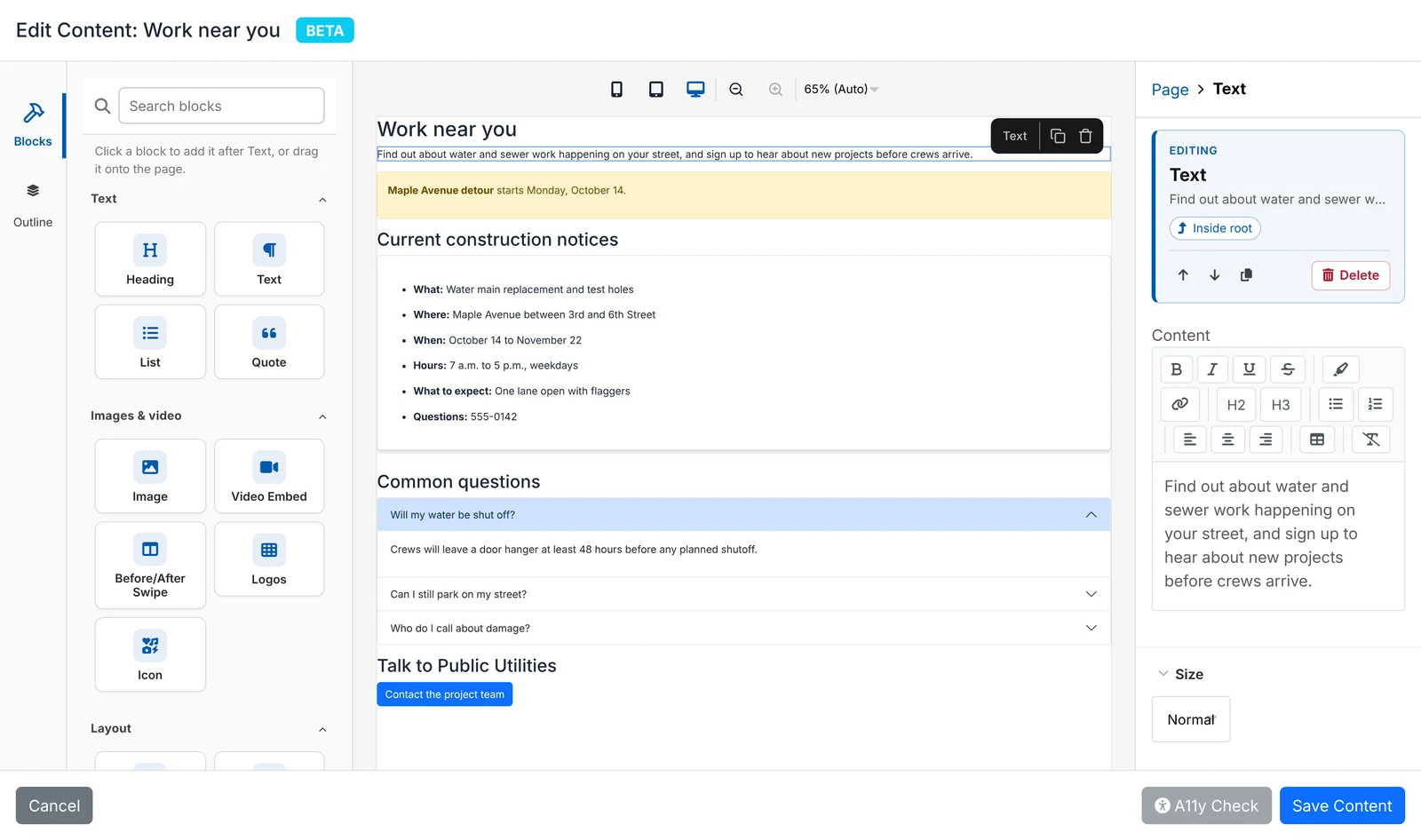
Editing the page
Change the welcome yourself, with no ticket to IT.
- Change the welcome message, banner and stats bar yourself
- Add headings, text, lists and images to the page
- Preview it on a phone before you save
Keep opportunities current
Every department keeps its own work current
Each department manages its own projects from a dedicated dashboard. The hub brings them together in one public-facing directory, with control over which projects are displayed.
Every phase in one place
Each stage of a long-running plan lives on the same page.
A page for every board
Give each board its own page, like zoning appeals or cases before council.
Consultants get their own access
When their contract ends, the pages, comments, and sign-up list stay yours.
The PublicInput Engagement suite
Explore the rest of PublicInput Engagement
Use one, or use them together. Every comment lands on the same resident record.
Questions about the hub
Can the hub live on our own web address?
Yes. Use a custom domain or embed the hub on a page of your current site, and its projects will show up in your website’s search.
Do residents need an account to use it?
Anyone can browse the hub without signing up. For each project, you decide whether people can respond anonymously or need to log in. View anonymity settings
Will our meetings show up on it?
Feature upcoming meetings on the hub home page and choose which ones are listed. With PublicInput Meetings, your agendas and the hub run from the same system.
What happens to the pages when a consultant’s contract ends?
Nothing changes for residents. The pages, comments and sign-up list stay in your account, and you decide when the consultant’s access ends.
See the Online Engagement Hub in action
Give residents one place to find every project
Explore how departments manage their projects while residents find everything through one public-facing hub.