
Project Sites and Surveys
A project page with the survey on it, built in one sitting.
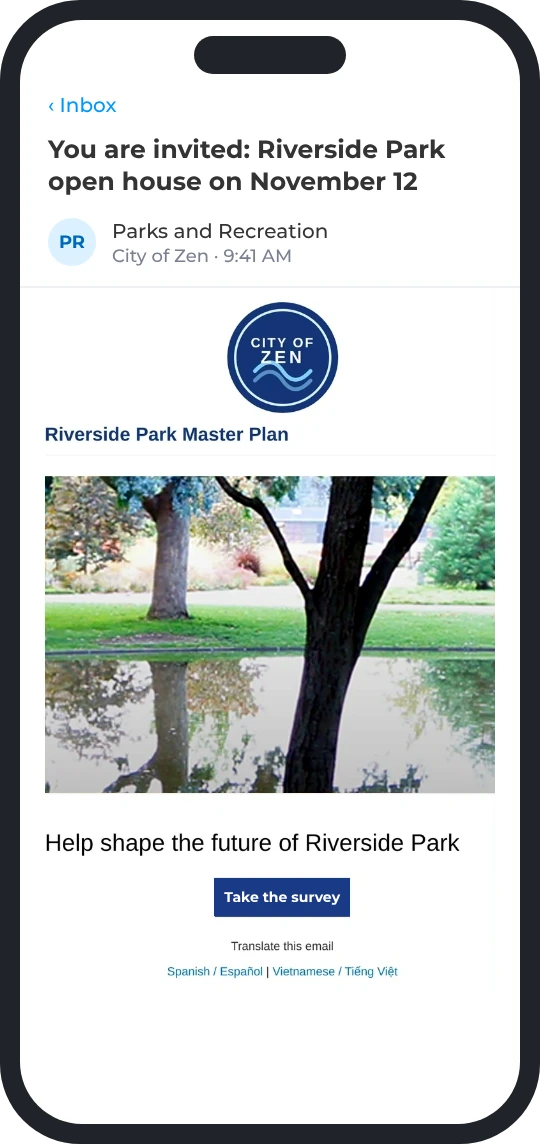
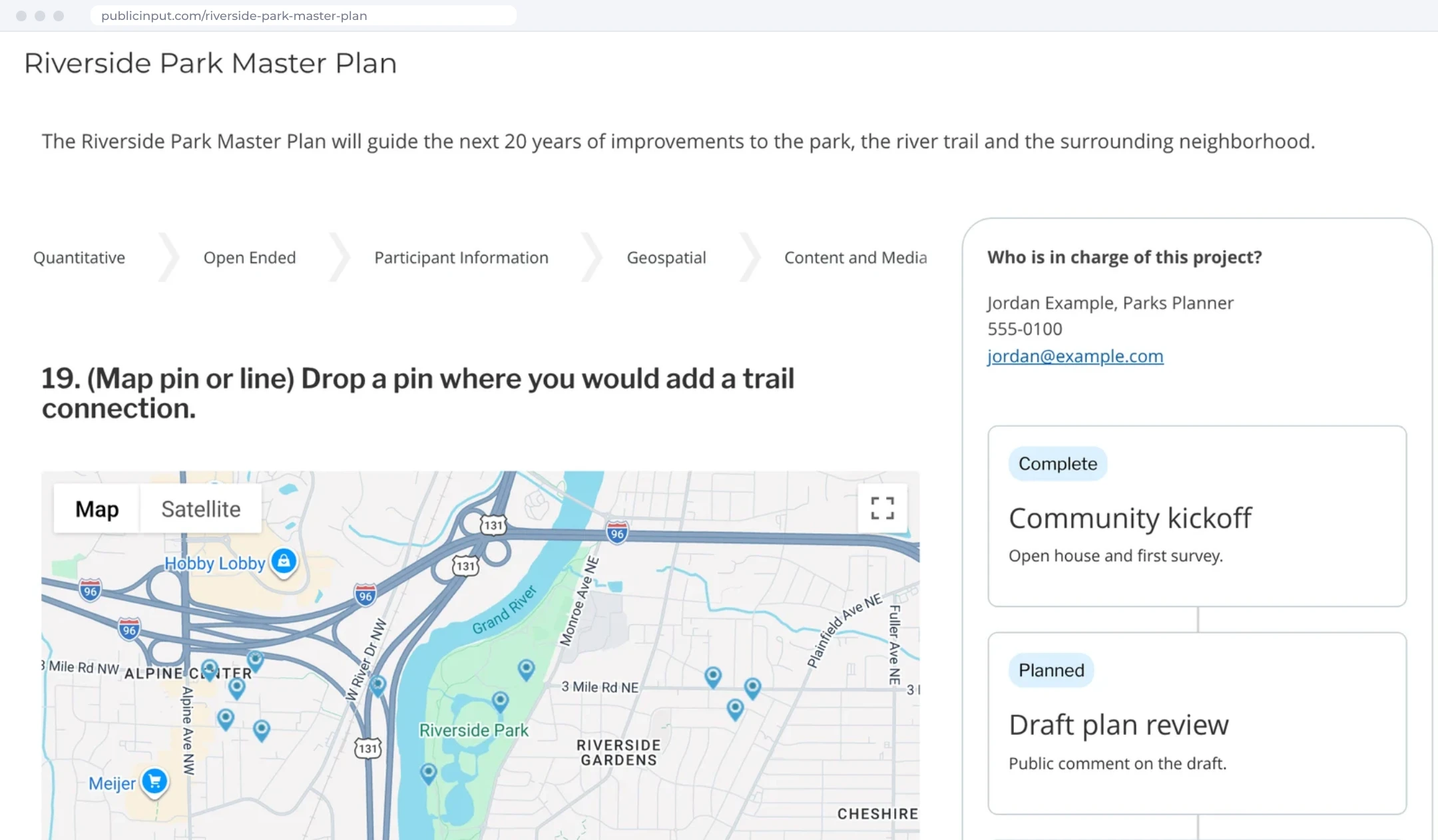
Give every project a central page for information, documents, upcoming hearings, and surveys. Collect resident comments and survey responses in a central project record, whether they come in online or on paper.
Overview
One Link for Every Project
Share residents one link to learn about a project and share their input. Add plans, maps, FAQs, events, and contact information, then share the page through a QR code or short link.
- Let residents share feedback directly on a map.
- Invite residents to help prioritize projects and allocate budgets.
- Track responses while there’s still time to reach more people.
- Choose whether residents need to sign in to participate.
- Use project templates to get the next engagement effort started faster.
Placeholder quote. Add a customer quote about project pages or surveys here.
Placeholder quote. Add a second customer quote here.
What’s Included In
Project Sites and Surveys
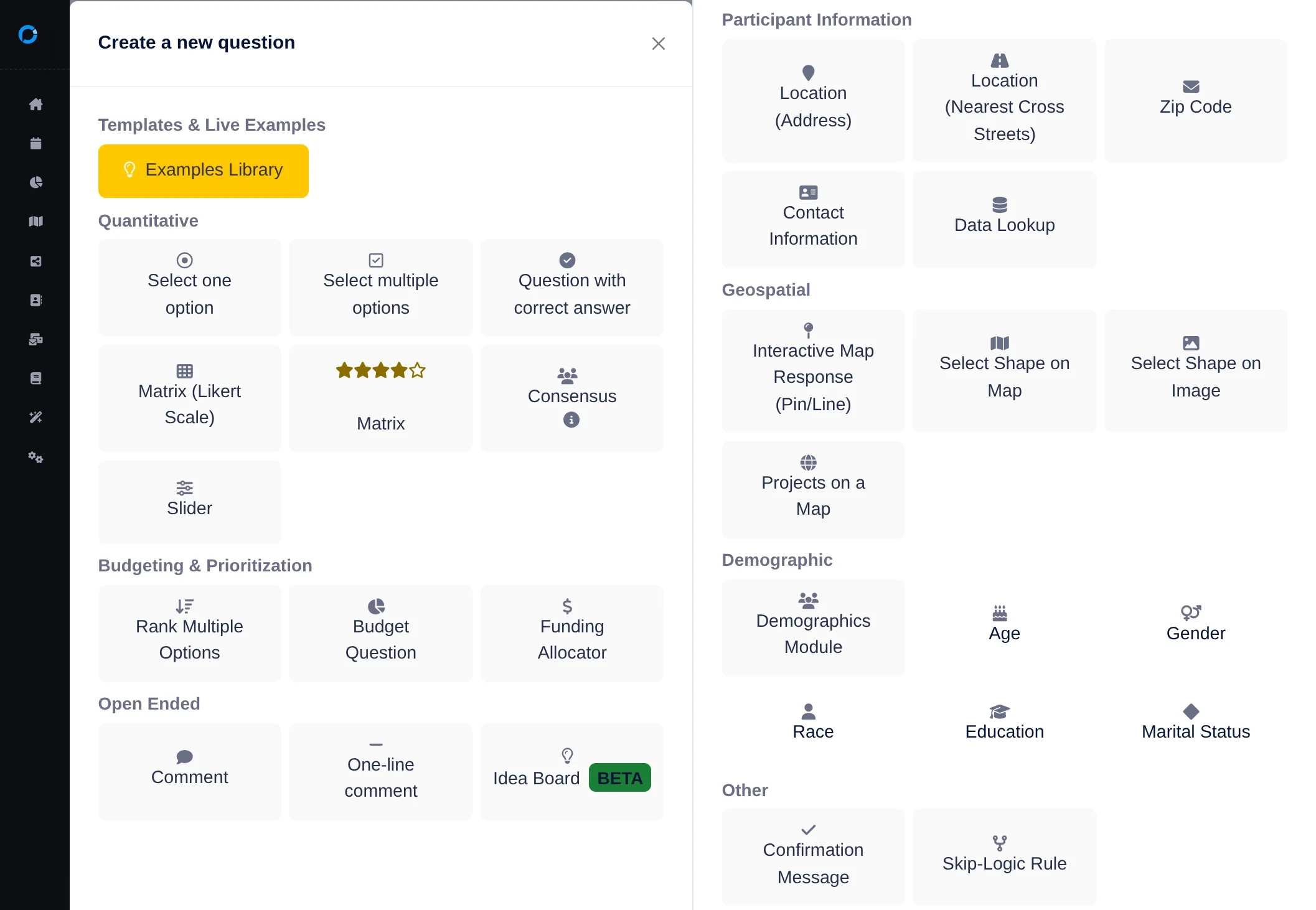
Survey Builder
Ask questions that get you answers you can use.
- Have residents drop a pin or draw a line on a map, with your own KML or KMZ layers
- Let them rank options, rate with a matrix or spend a fixed budget across categories
- Use skip logic so each person only sees the questions that apply to them
Live Results and Reporting
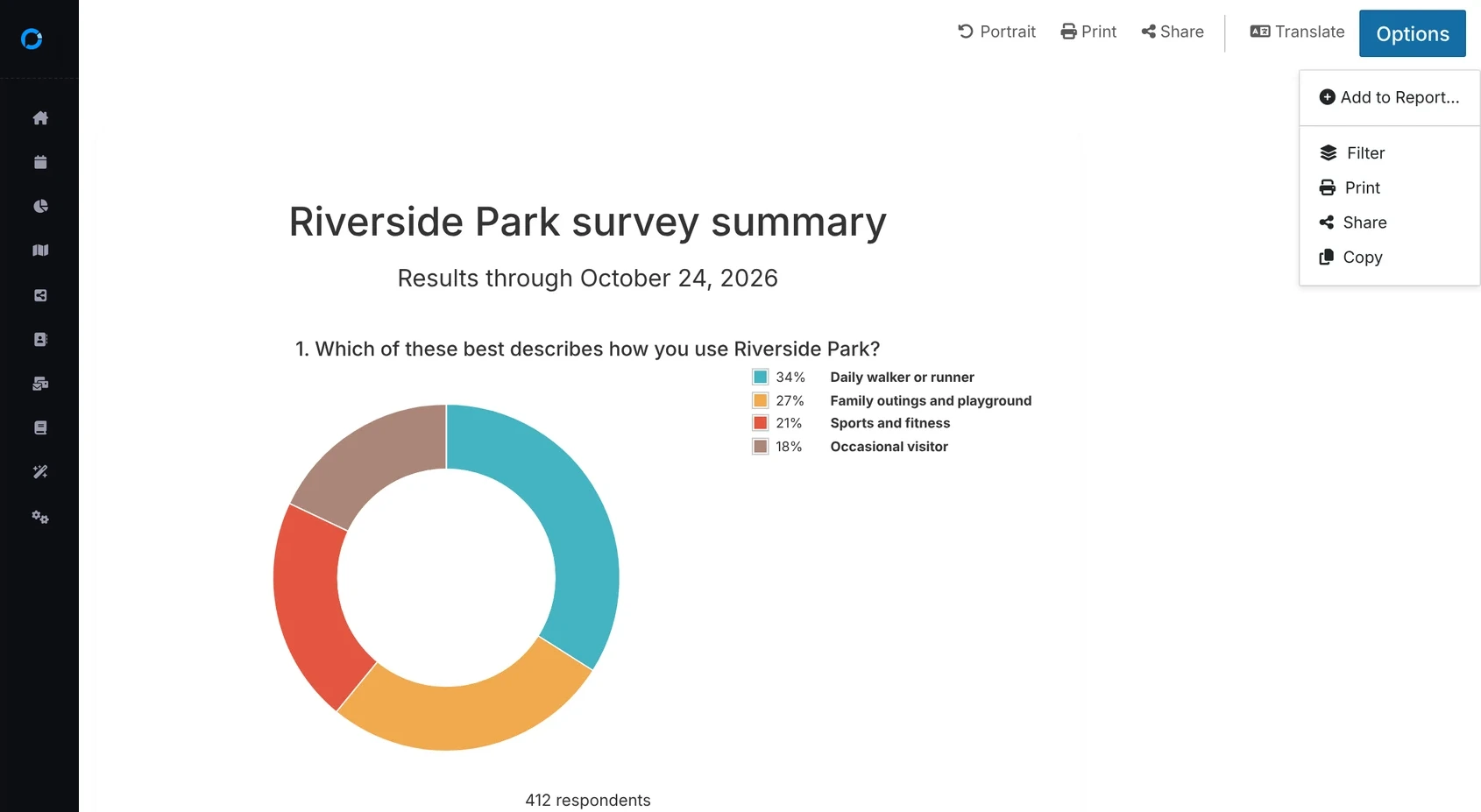
See what residents are saying as responses come in.
- Watch each question’s chart and open-ended answers update live
- Compare who has answered with who lives in the project area
- Share a live results link with your director or commission
Templates and AI Project Builder
Get each new project page live in less time.
- Start from last year’s project or your agency’s own template
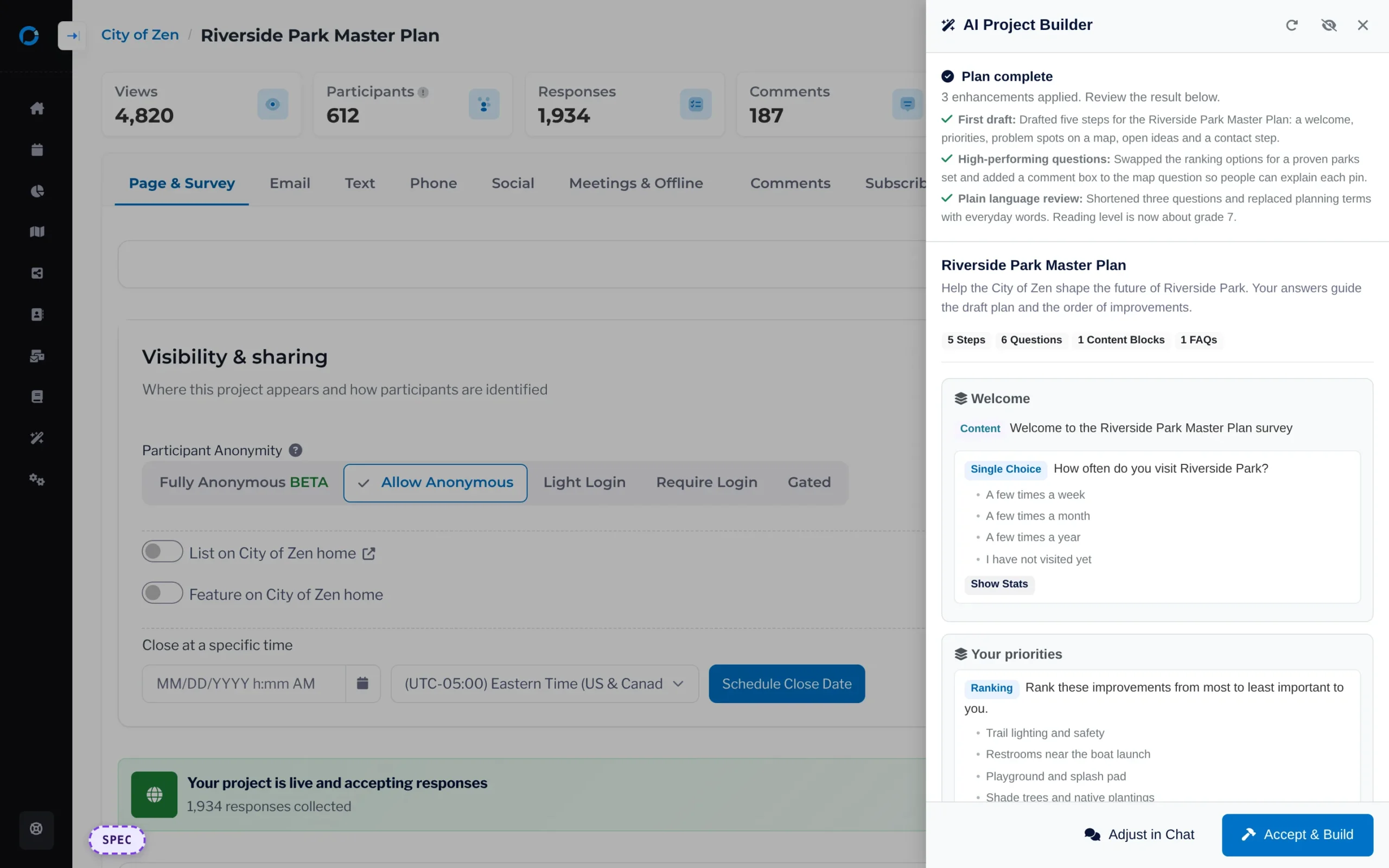
- Let the AI Project Builder draft steps, questions and FAQs in plain language
- Run plain language and accessibility checks before you publish

Best practice · City of Hendersonville
A small staff kept residents engaged through a long comprehensive plan
The PublicInput Engagement suite
Explore the rest of PublicInput Engagement
Use one, or use them together. Every comment lands on the same resident record.
Questions planners ask
Can one person answer the survey over and over?
PublicInput flags repeat submissions from the same IP address. On projects where it really matters, you can also require a login.
We already use ArcGIS. Do we have to switch?
No. Your parcels and project areas show on the public map, and responses flow back to your layers.
Our consultant is running the main survey. Where does this fit?
Right beside it. The project page holds the plan, the open survey and public comments, and your consultant can build the page for you.
How much work is it to keep a project page up?
Less than most web pages. Copy last year’s project or start from your agency’s template, then post updates right from the project. Photos and maps come straight from your image library.
See it built